
Issue a full tax invoice with the FlowAccount accounting program
Issuing a full tax invoice is easy. Let's try to follow the steps
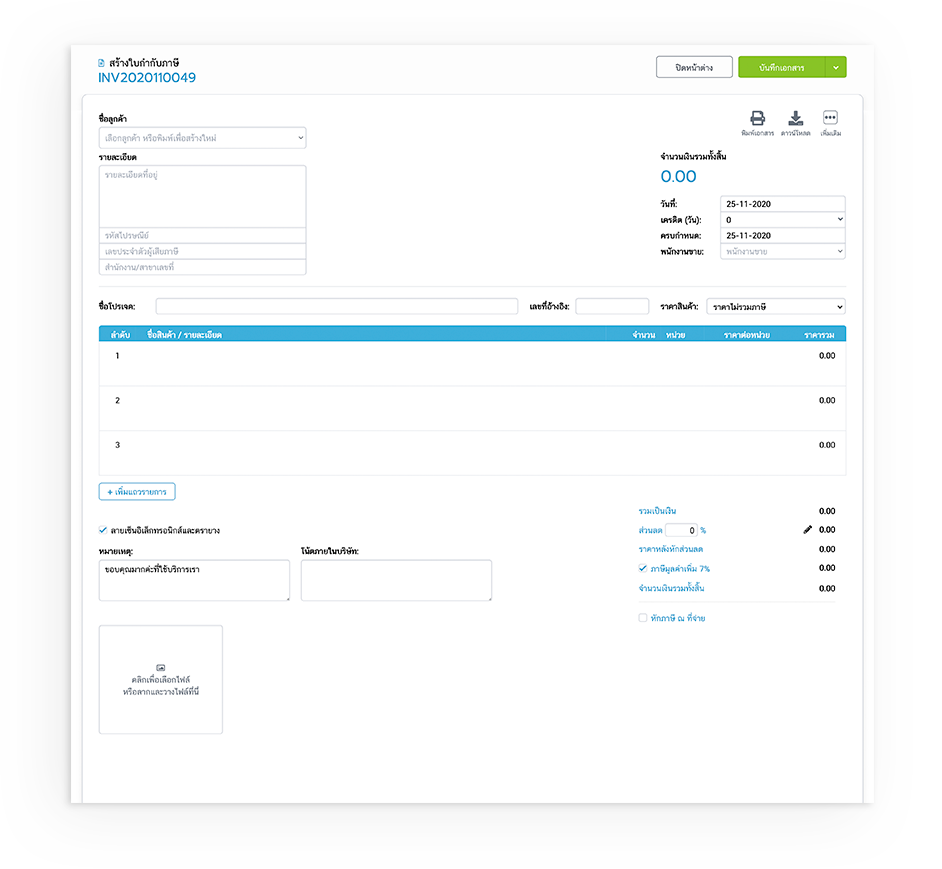
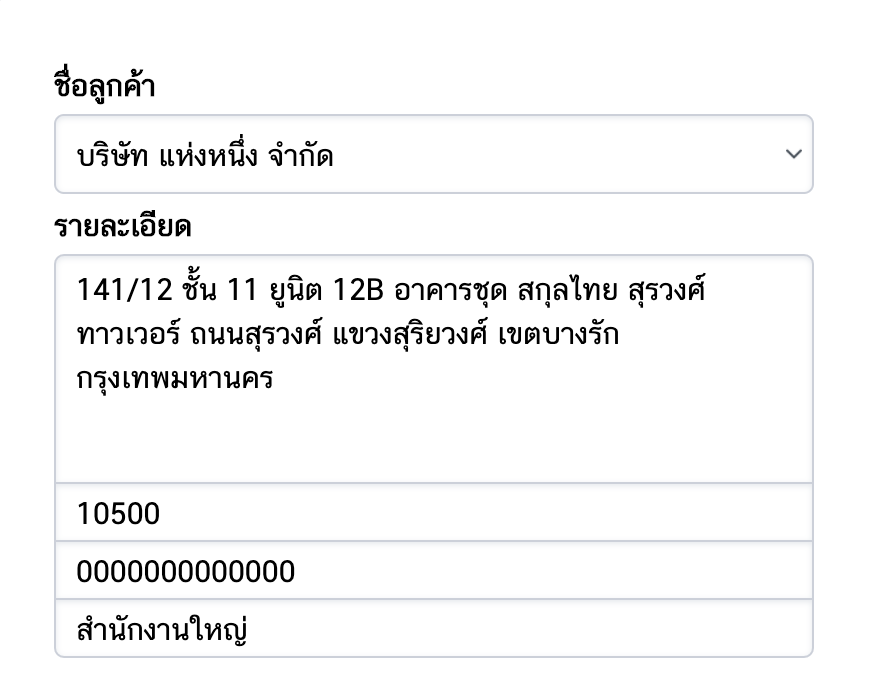
1.1.a Fill in the company name, address, and tax identification number of the customer. Including contact name Telephone number and email (if not yet in the contact database The system will save the information and store it in the database. or if you already have the information, you can display it immediately)
2.2.a Document number (the system will run it automatically)
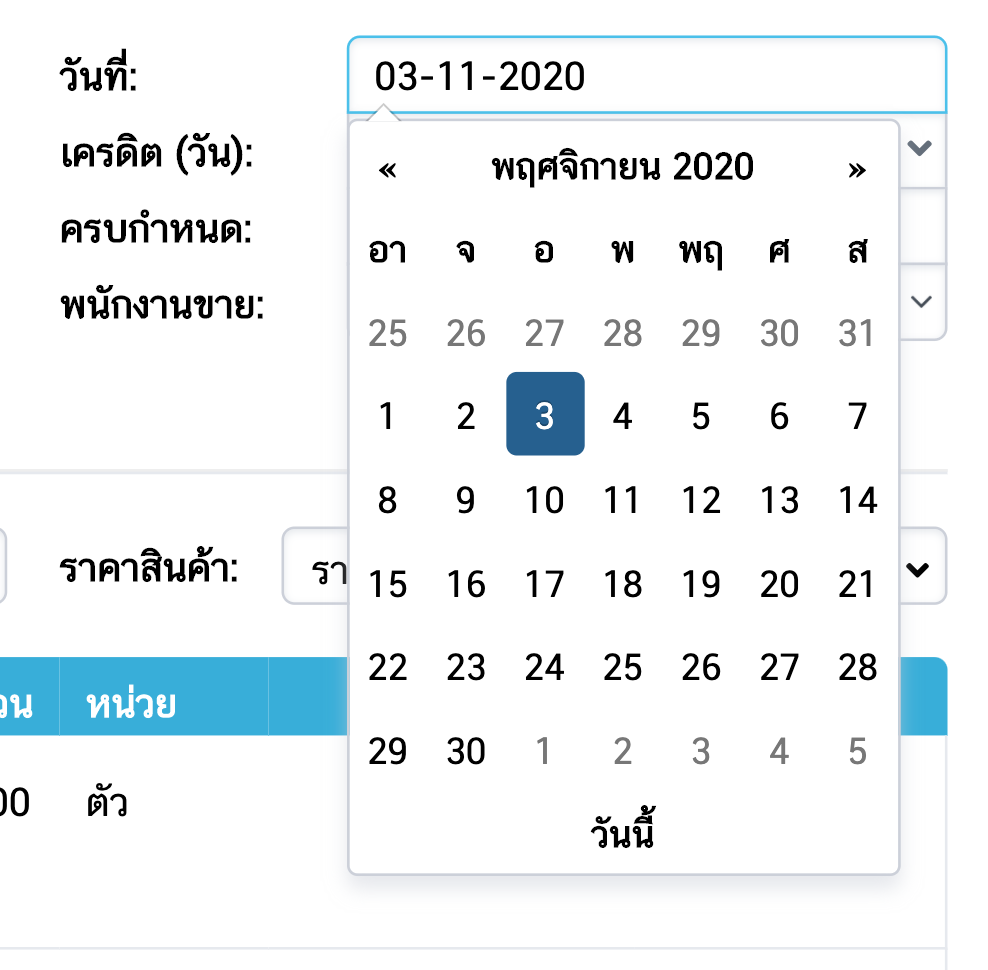
3.2.a Document date: You can click to adjust according to the reference document
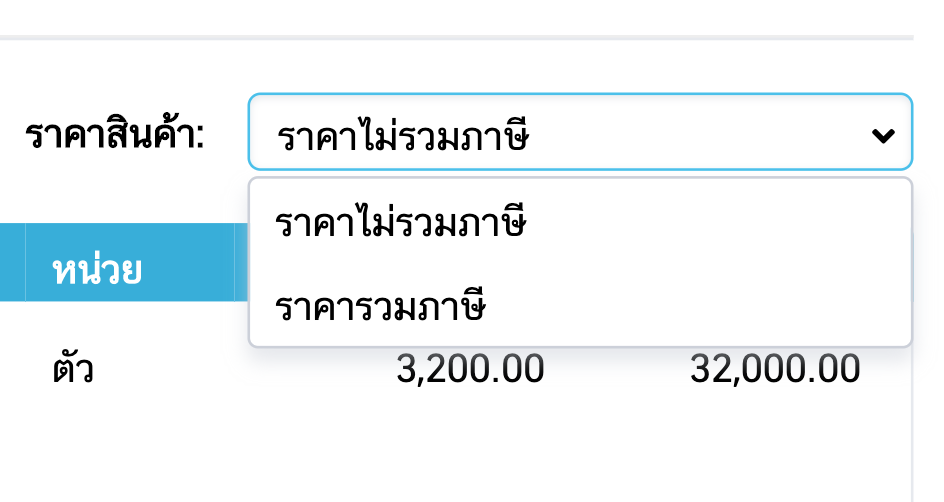
4.2.a Product price: You can choose whether you want to use it with taxes. or excluding taxes
5.2.a Specify the product list, quantity, and unit price. (If you already have product information in the system, you can choose to display it immediately.)
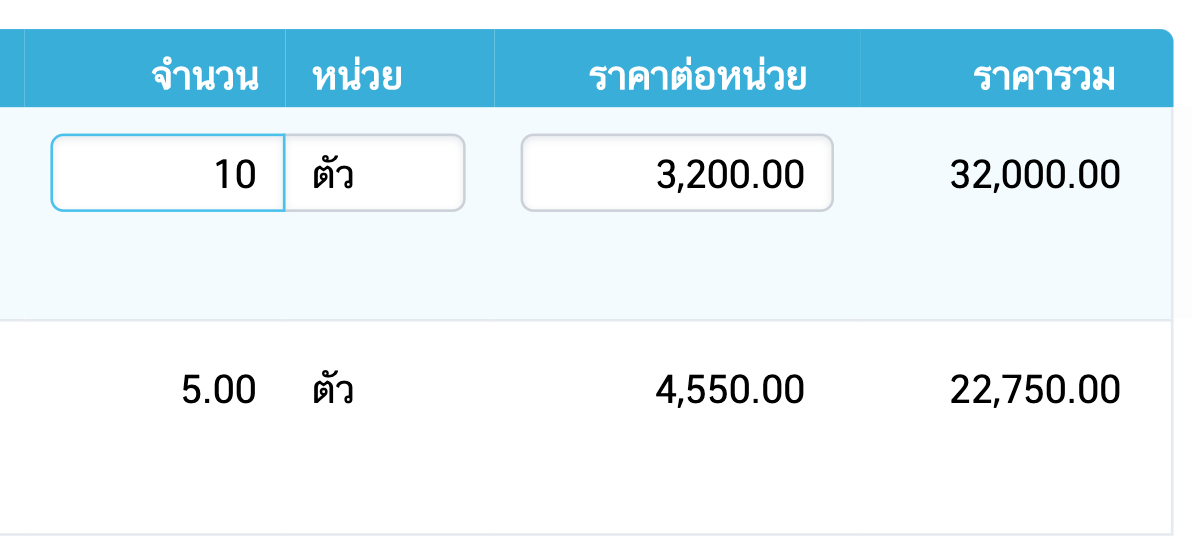
6.2.a Product value and VAT value The system automatically calculates
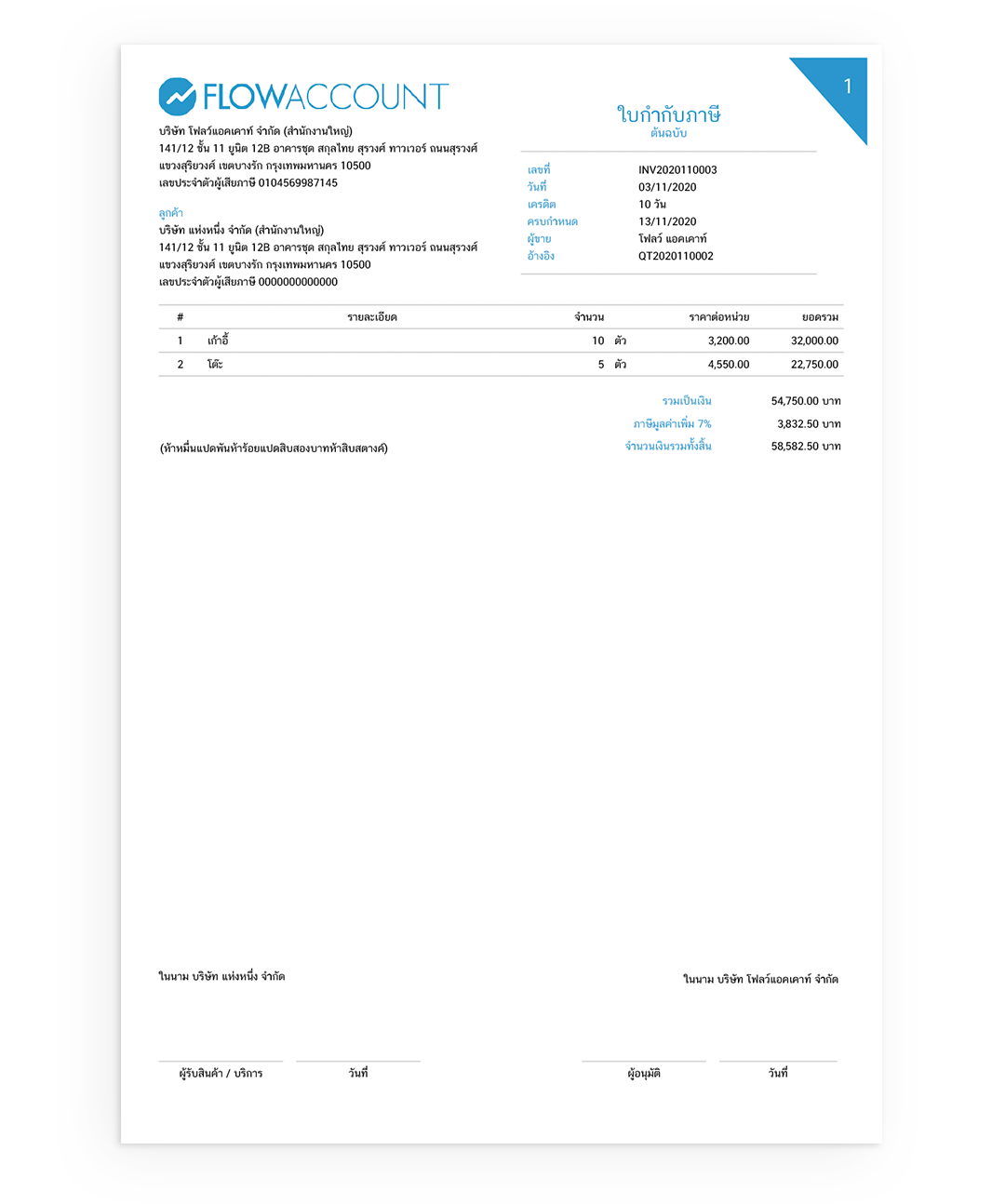
That's it, you can easily create a full tax invoice. and has complete details as specified by the Revenue Department In addition, when pressing to record the tax invoice created from the system You can also choose to print documents. Download as a PDF file and send a copy to the customer via email. or share it as a file link for customers To facilitate customersYes, with the appearance as shown in the picture
No comments to display
No comments to display